
Turn Your Document into a Wix Blog Post with Doc2Blog
Bring a finished DOCX or Markdown document into Wix Blog with Zider Doc2Blog. Review the post, set its SEO details, and save it as a draft before publishing.

Many blog posts are drafted and reviewed in Word before they ever reach a website. Moving a finished document into Wix Blog can mean copying the text, rebuilding its structure, and checking every image by hand.
Zider Doc2Blog helps bring that document into Wix Blog. Upload a DOCX or Markdown file, review the post details, and save it as a draft—or choose to publish it when you are ready.
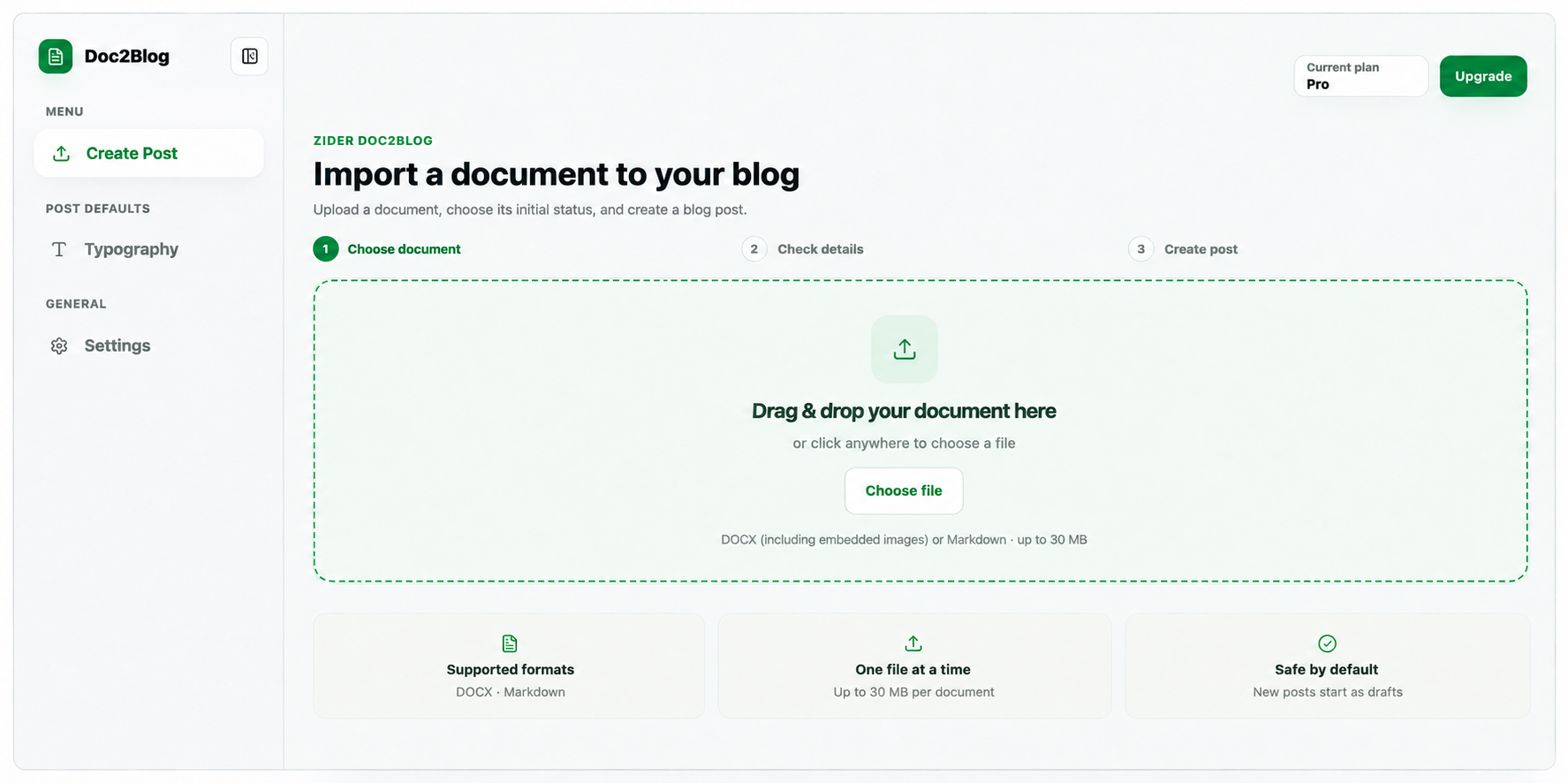
Bring your document structure with you
Doc2Blog carries over common article elements such as headings, paragraphs, lists, tables, and quotes. Embedded JPG, PNG, and GIF images in DOCX files can be added to your post as well. It supports one document at a time, up to 30 MB.
Review the post before it goes live
Before creating the post, you can review its title and configure categories, tags, and SEO details such as the URL slug and meta description. New posts start as drafts by default, so you can check the result in Wix Blog before publishing.
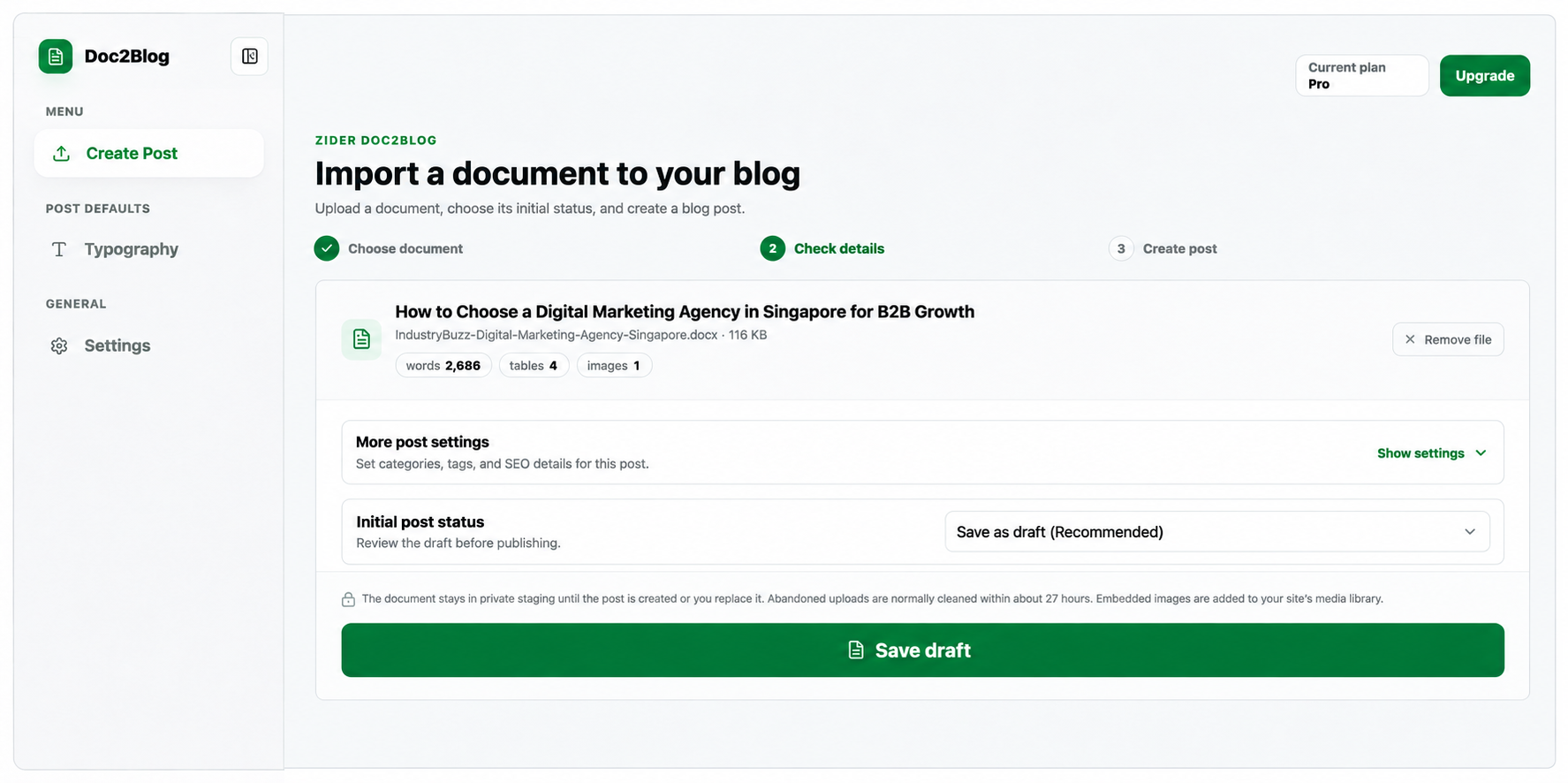
Keep your existing writing workflow
If your team already writes and reviews content in Word or Markdown, you can keep that process. When the document is ready, Doc2Blog moves it into Wix Blog, where you can make final edits and publish on your schedule.
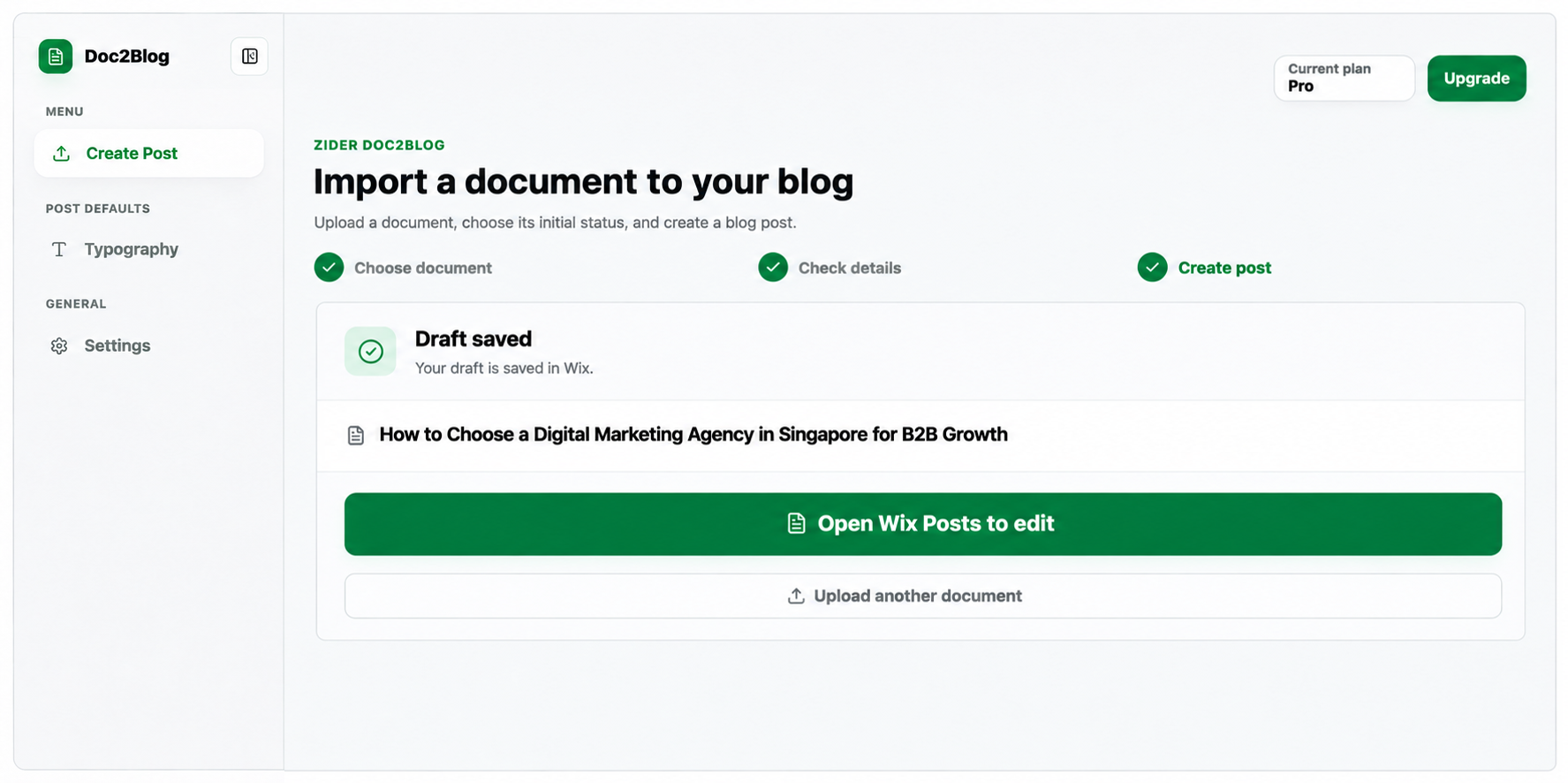
Try Zider Doc2Blog in the Wix App Market and bring your next finished document into Wix Blog.