
Zider AI Actions: Add Page-Aware AI Shortcuts to a Wix Site
Add a configurable AI shortcut bar to a Wix site and pass the current page context into an enabled AI assistant.
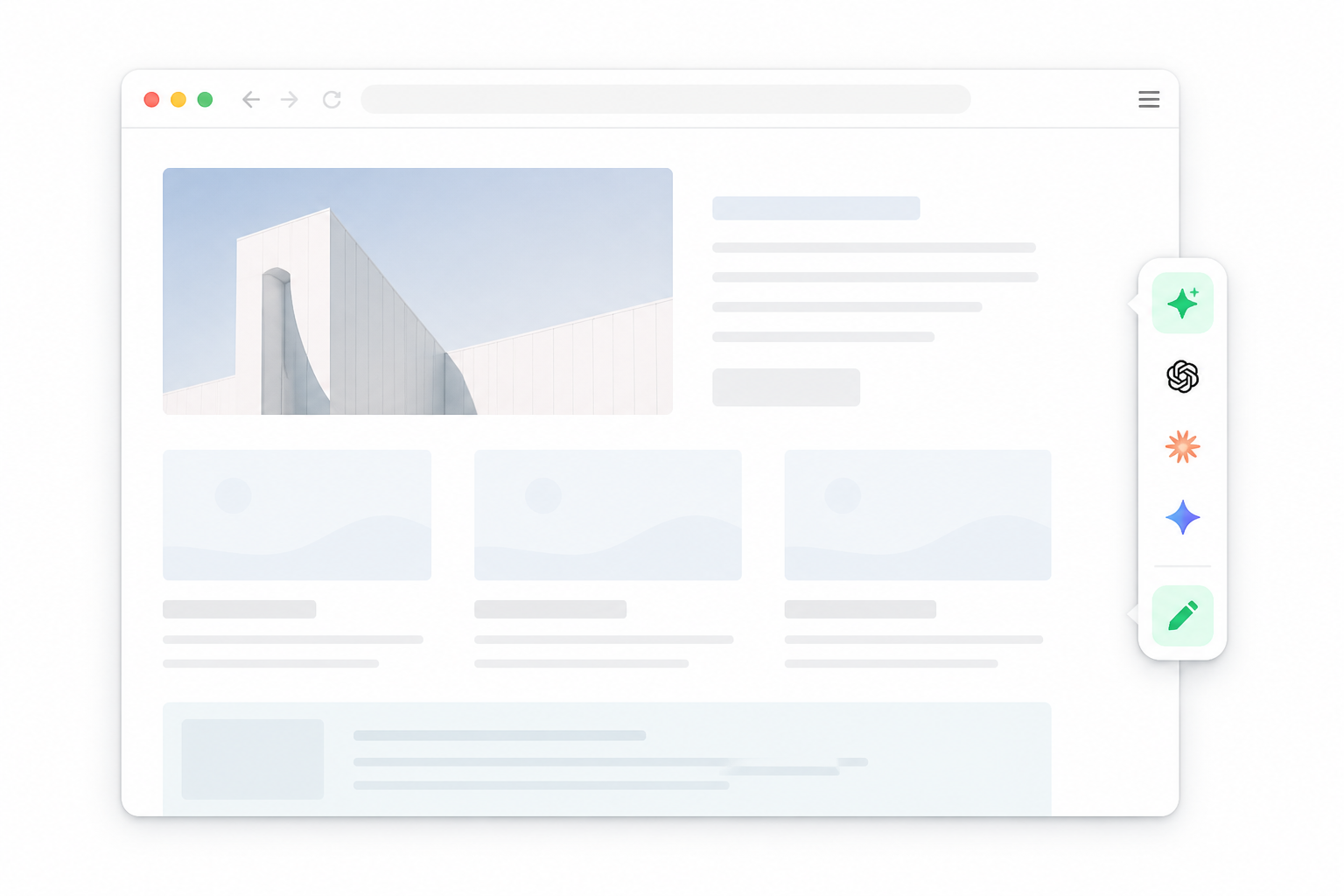
Visitors often need help with the page they are already reading. They may want a quick summary, a translation, a different explanation, or a prompt tailored to that page.
Zider AI Actions adds a configurable shortcut bar to a Wix site. Each enabled action can open an AI assistant with the current page title, page URL, and a prepared prompt already included.
Illustrative interface concept. The exact appearance depends on the site's settings and plan.
What Zider AI Actions does
Zider AI Actions is a shortcut layer for Wix sites. It does not replace the AI provider. Instead, it gives visitors a way to start a page-related request with the context already prepared.
The app listing currently describes support for:
- Page-aware AI shortcuts
- Custom prompt templates
- Simple provider controls
The available providers shown in the free plan are ChatGPT, Claude, Perplexity, and Grok.
Keep the page context in the prompt
Without a page-aware shortcut, a visitor may need to copy a URL, explain which page they are viewing, and write a prompt from scratch.
With an enabled action, the current page title and URL can be included with the prompt you prepare. This gives the visitor a starting point that is specific to the page they opened.
For example, a site owner could prepare actions for:
- Summarizing the current page
- Explaining the page in simpler language
- Translating the page content
- Asking an AI assistant to use the current page as context
These are prompt starting points. The selected AI provider still handles the response.
Configure actions from one dashboard
Site owners can manage the prompts and decide which actions appear on the site. They can also set the order of the actions and publish the changes from the dashboard.
This keeps the shortcut bar focused. A site does not need to show every possible action; it can show only the prompts that fit its content and visitors.
Match the shortcut bar to the site
The editor includes controls for the presentation of the bar, including icon color, icon size, spacing, orientation, and layout settings.
The free plan includes official provider colors and shared site-wide prompt settings. The Plus plan adds language-specific profiles, localized prompts, language-based AI tool ordering, and additional color styles. Plan details may change, so check the current Wix App Market listing before choosing a plan.
A simple setup path
- Install Zider AI Actions from the Wix App Market.
- Choose the AI providers and actions you want to show.
- Write the prompt templates for your site.
- Adjust the bar's layout and visual settings.
- Publish the changes and test the shortcuts on a live page.
The result is a small navigation layer that helps visitors start a relevant AI request without adding a full chat interface to every page.
What it is—and what it is not
Zider AI Actions is useful when a site needs simple, page-related AI entry points. It is not presented as a standalone AI model, a replacement for the providers it links to, or an automatic answer system inside Wix.
The app focuses on three practical tasks: preparing the prompt, carrying page context, and giving visitors a visible shortcut to an enabled AI assistant.
Try Zider AI Actions on Wix
Open Zider AI Actions in the Wix App Market
You can also view the Zider AI Actions demo.
Note: AI assistant availability, provider behavior, pricing, and supported features are controlled by the relevant provider and Wix App Market plan. Check the current app listing before installing.